Downloads that feel effortless.
TORI is a free, open-source download manager for Windows 10 and 11, with up to 32 parallel connections, browser integration and crash-proof pause and resume.
See it for yourself
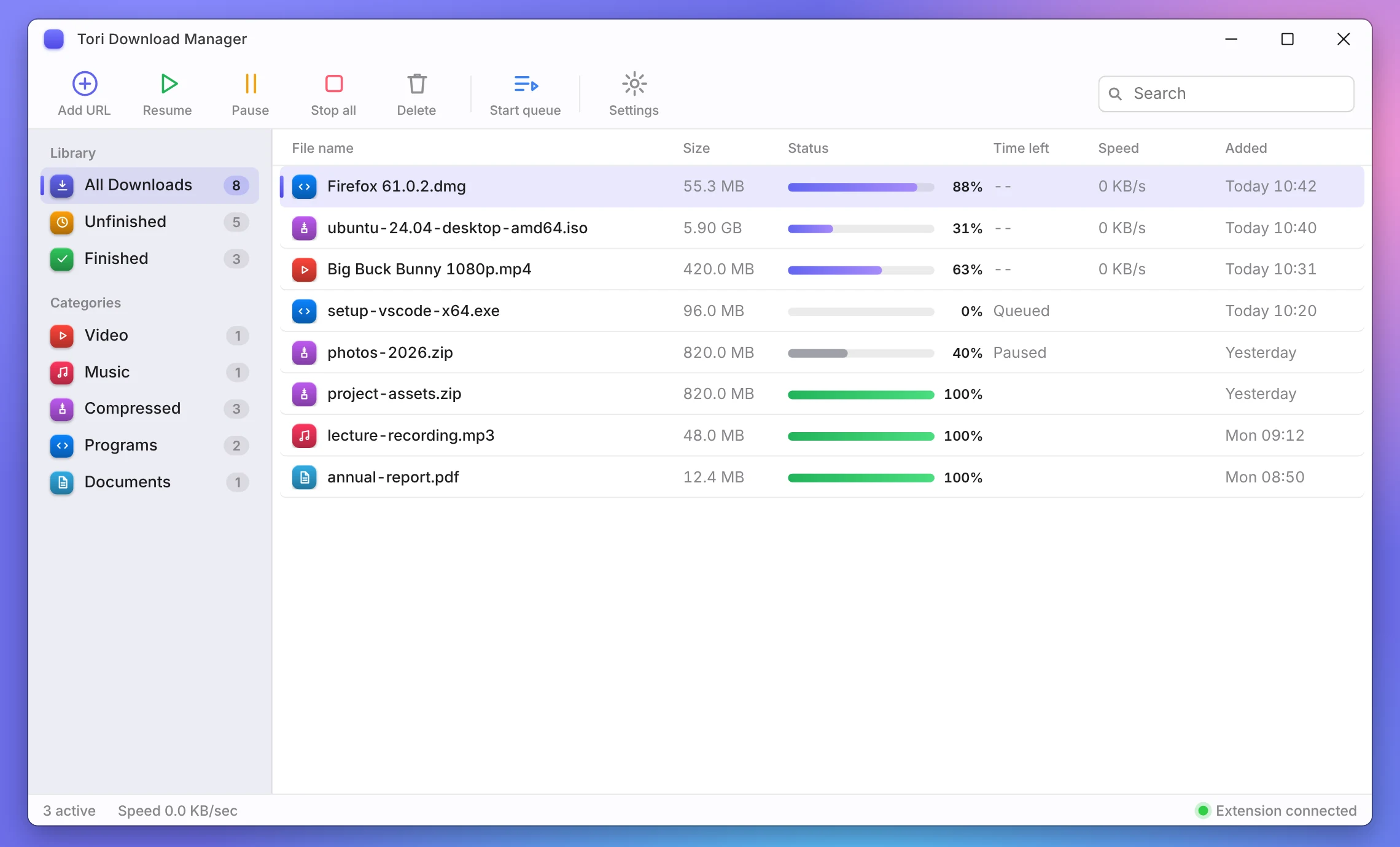
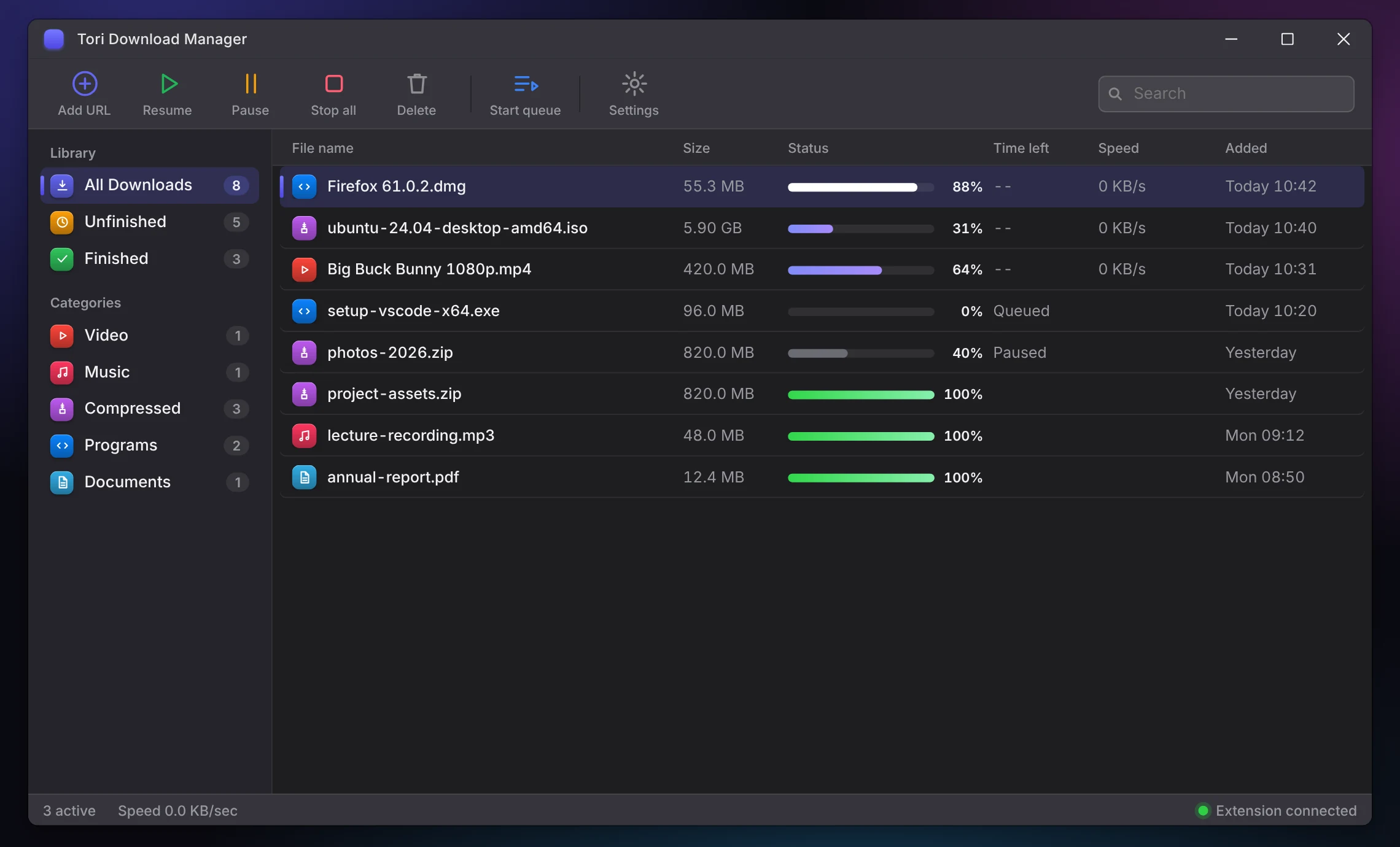
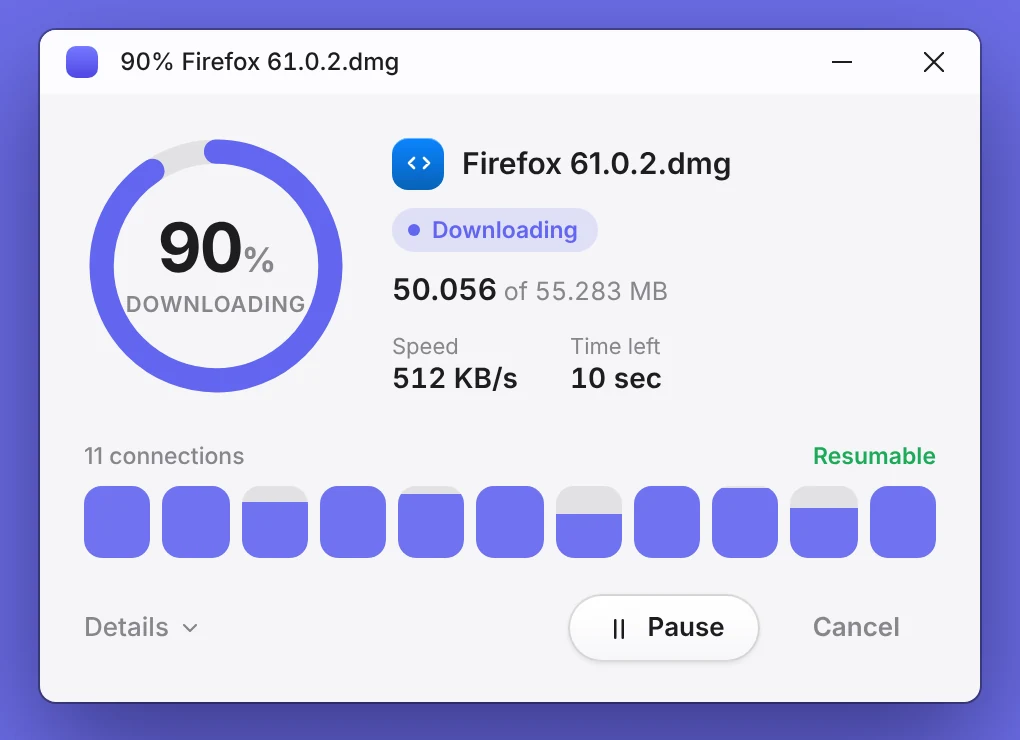
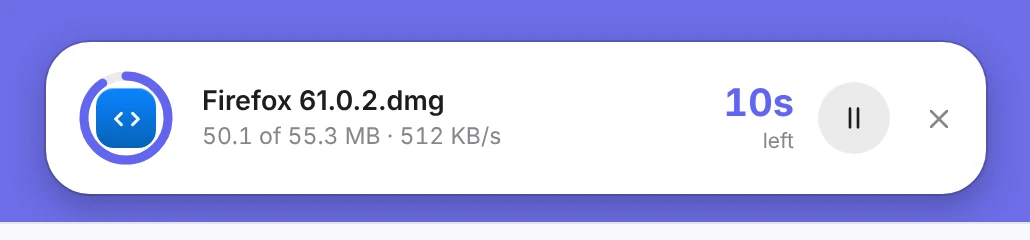
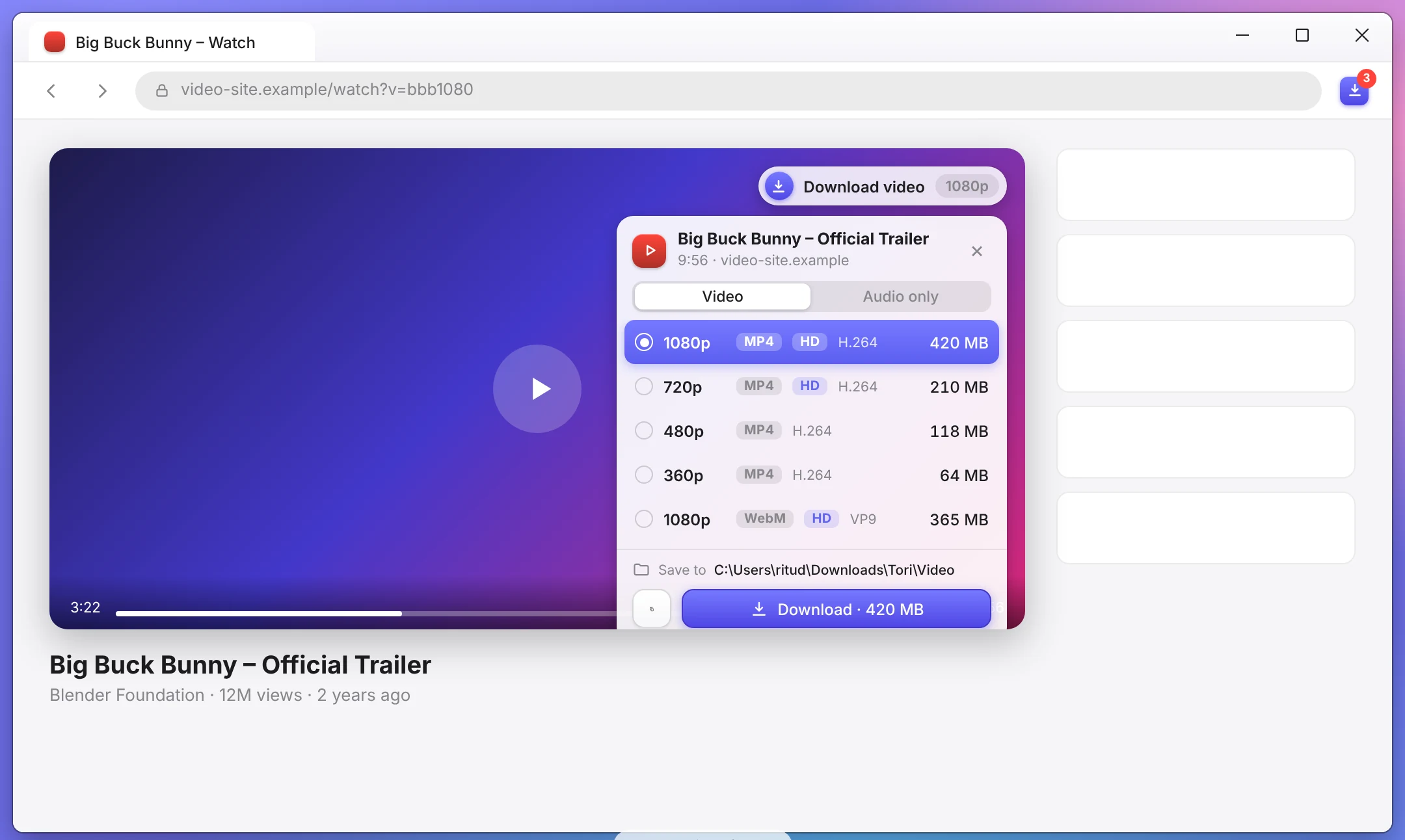
Real screens from the TORI design: main window, browser extension and download popups.
Download TORI
Free and open source for Windows 10 and 11.
Download TORI
Free and open source. One installer for Windows 10 and 11.
TORI for Windows
Version 1.0.5 · Stable · Installer (Companion v1.0.9)
Download .exe 112.3 MBEd25519 auto-updater & SHA-256 verified · Free & open source (GPLv3 / MIT)
Get started in 3 steps
Install TORI
Download the installer and run it (click More info → Run anyway if SmartScreen prompts; Authenticode certificate pending).
Add the extension
Companion v1.0.9 for Firefox, Chrome or Edge.
Verify (optional)
Compare the SHA-256 hash with SHA256SUMS.txt.
What’s new in v1.0.5 & Companion v1.0.9
Clean three-zone interface with collapsible category sidebar, virtualized sortable download queue, action toolbar, and light/dark themes.
Dedicated per-transfer dialog showing speed, ETA, multi-connection progress meters, pause/resume, and speed limiter controls connected directly to TORI’s Rust engine.
Updated companion popup, options, and in-page video format overlay with Mozilla AMO-signed Firefox XPI support.
Prioritizes platform resolvers and short-TTL caching before bounded HTML5/HLS/DASH candidate probing, eliminating Firefox YouTube Format Picker timeouts.
Clicking Download Playlist reliably restores TORI from system tray, opens Playlist Selection, validates muxed outputs, and prevents duplicate queue entries.
Preserves extensionless Content-Disposition `.mkv` filenames, routes video transfers to Video/, and maintains verified multi-gigabyte pause/resume continuity.
All files
Get-FileHash .\TORI.Download.Manager_1.0.5_x64-setup.exe -Algorithm SHA256
# Installer v1.0.5 : cab4156fc85a42ce74d5d4292e2976223ba14ad4c8e7d5bbfea533e4ca72f3cb
# Firefox XPI 1.0.9: d4e8d6e585ba6dfaf841eb6b37f2ee27beae1cec55badbbe0dd12960ad5943ec
# Chrome ZIP 1.0.9 : dbc345b513795506c30c8300683d99fe1bd4b14d14c012663808bf7a406089ac
Release archive & previous versions
Previous Stable Releases
Direct Windows installer downloads and release notes for all published stable versions.
TORI browser companion
Capture downloads and streaming videos right from your browser, then send them to TORI in one click.
Install on Mozilla Firefox
- Click Install for Firefox. Firefox will prompt with a native doorhanger to add the add-on.
- Click Add to confirm. The companion is officially signed by Mozilla AMO and installs permanently!
- If you prefer manual installation: Click Download XPI, open
about:addons(Ctrl+Shift+A), click the gear icon (⚙️) → Install Add-on From File... (or drag and drop the.xpifile onto the Firefox window).
Install on Chrome or Edge
- Download the extension .zip and unzip it into a permanent folder.
- Open
chrome://extensions(oredge://extensions) in your address bar. - Turn ON Developer mode (top-right in Chrome, left sidebar in Edge).
- Click Load unpacked and choose the unzipped folder containing
manifest.json.
Frequently asked questions
Everything you need to know about TORI Download Manager, browser integration, and system requirements.
Is TORI Download Manager completely free and open-source?
Yes. TORI Download Manager is 100% free software distributed under open-source dual MIT and Apache-2.0 licenses (with bundled FFmpeg tooling under GPLv3). There are no subscription fees, tracking analytics, or bundled promotional software.
Which Windows operating systems are supported?
TORI is built specifically for 64-bit Windows 10 and Windows 11. The offline NSIS installer is completely self-contained and packages all companion binaries including FFmpeg, FFprobe, and yt-dlp.
How does segmented downloading accelerate transfers?
TORI splits files into up to 32 concurrent ranged HTTP/HTTPS byte streams. By downloading segments in parallel and dynamically rebalancing segment boundaries, TORI maximizes available bandwidth.
Does TORI support pause and resume for interrupted downloads?
Yes. TORI features an atomic SQLite WAL metadata engine that checkpoints byte progress on disk. If a network drops or your PC restarts, active transfers resume precisely from the last confirmed byte.
How do I install the browser companion for Firefox, Chrome, and Edge?
For Mozilla Firefox, click "Get for Firefox" to install the officially signed .xpi directly with native browser confirmation (or install via about:addons). For Google Chrome and Microsoft Edge, download the extension .zip, open chrome://extensions or edge://extensions, enable Developer Mode, and click Load unpacked to select the unzipped folder.
Ready for faster downloads?
Get TORI for Windows in a few seconds. 100% free and open source.